⚡
Image Compressor
Reduce image file size without visible quality loss. Supports JPG, PNG, WebP.
Use tool →
Compress, crop, resize, convert, and edit images, videos, and PDFs directly in your browser-fast, secure, and completely private.
100% Private
Files are processed in your browser. Nothing is uploaded to our servers.
Lightning Fast
WebAssembly-powered processing runs at near-native speed.
Always Free
Every tool is free with no limits, no watermarks, no account required.
Cross Platform
Fully responsive, works on desktop, tablet, or phone.
All image processing runs entirely in your browser
Reduce image file size without visible quality loss. Supports JPG, PNG, WebP.
Crop to any ratio or resize to exact pixel dimensions instantly.
Add multi-line text, captions, or watermarks with full font and background control.
Convert images between JPG, PNG, WebP, BMP instantly in your browser.
AI-powered background removal. Export transparent PNG or replace with color or image.
AI-powered portrait mode — blur the background while keeping the subject sharp.
Most online tools upload your files to their servers. Pixlar doesn't. Everything happens on your device using WebAssembly. It's faster, safer, and works offline.
Secure client-side execution
Zero data leaves your device
All video processing entirely run on your browser
Compress MP4 videos to a smaller size while keeping quality. Powered by FFmpeg.
Cut the start and end of a video clip to the exact timestamp you need.
Join multiple video clips together into one file seamlessly.
Convert between MP4, WebM, MKV, AVI, GIF and more formats for free.
All PDF processing entirely run on your browser
Built for creators who value speed and quality. No ads, no tracking, just fast performant tools.
Our technology turns your browser into a powerhouse.
0
Servers Used
∞
Privacy Score
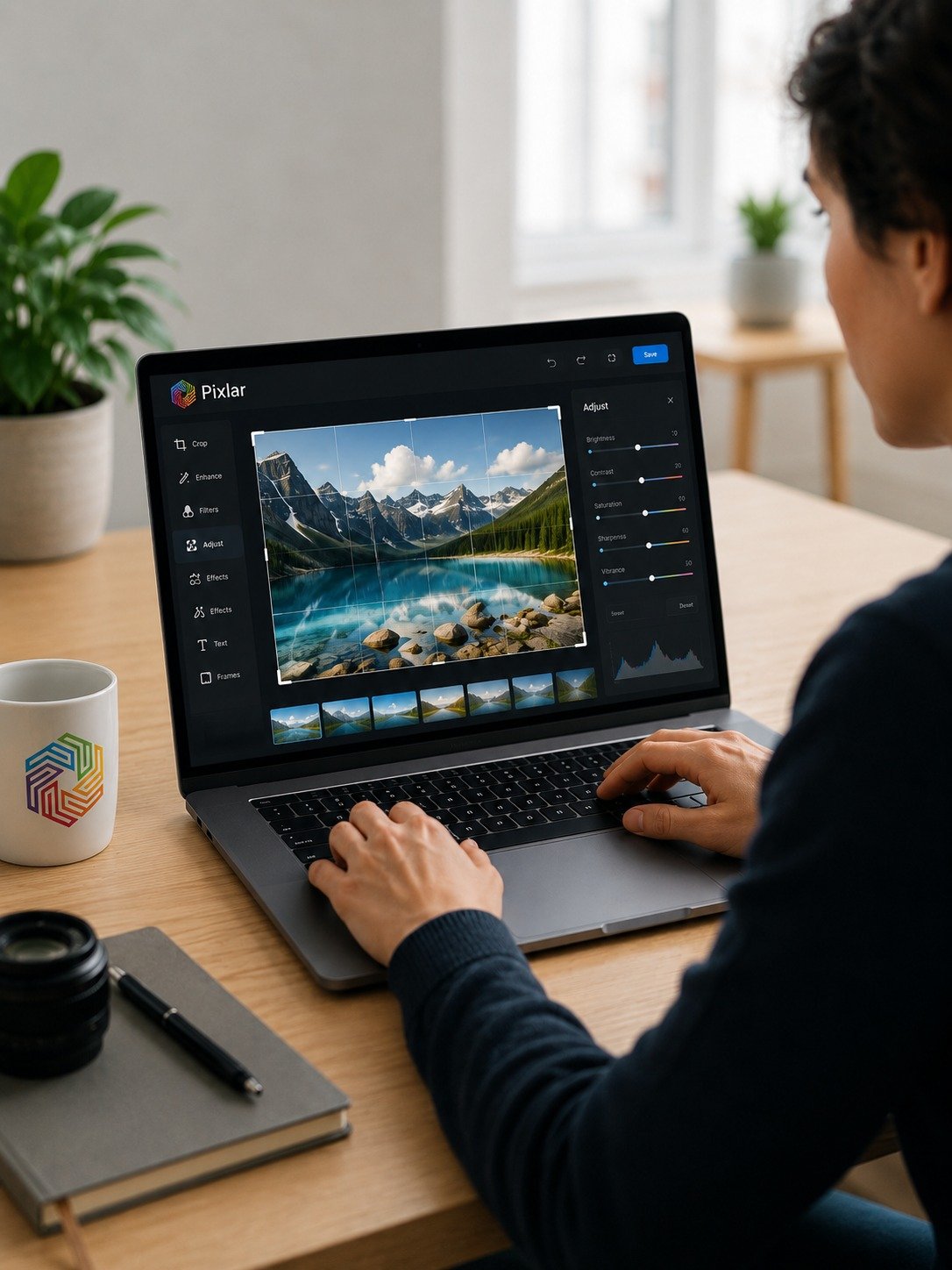
Pixlar provides free, fast, and private image and video processing tools. Unlike other online tools that upload your files to remote servers, Pixlar processes everything locally inside your browser using modern WebAssembly technology. This means your photos, videos, and personal media never leave your device.
Our image compressor reduces file sizes by up to 90% without noticeable quality loss, perfect for websites, email attachments, and social media uploads. The crop and resize tool lets you trim images to exact dimensions or popular aspect ratios like 1:1 for Instagram or 16:9 for YouTube thumbnails.
For video, our free video compressor uses FFmpeg.wasm to compress MP4 and other video formats directly in the browser with no file size limits. All tools are completely free, with no watermarks, no subscriptions, and no hidden fees.